You can always change your password here .
Requirements:
Your email address: mark@example.com
(You’ll need to get this created before accessing)
Your email password
Quick settings
Enter your website address and the settings below will update to match.
| Server | Port | Security | |
|---|---|---|---|
| Incoming (IMAP) | mail.example.com | 993 | SSL/TLS |
| Outgoing (SMTP) | mail.example.com | 465 | SSL/TLS |
Username: your full email address (for both incoming and outgoing)
Password: your email password
(replace example.com with your own website address)
Step by step
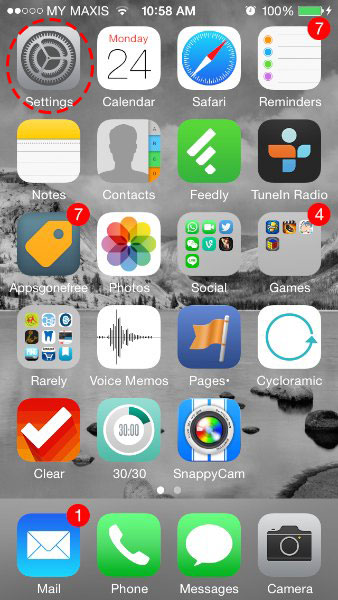
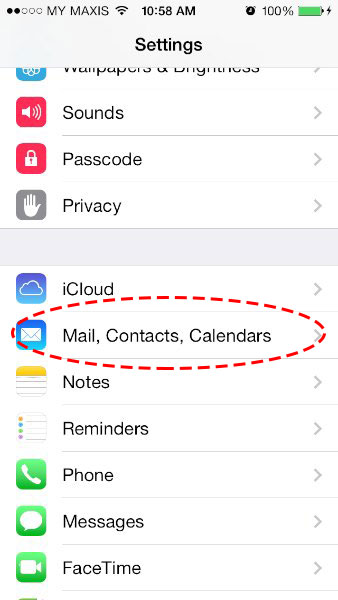
- Mail, Contacts, Calendars
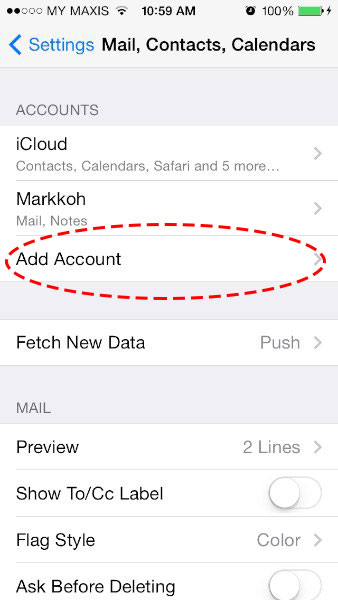
- Add Account
- Other
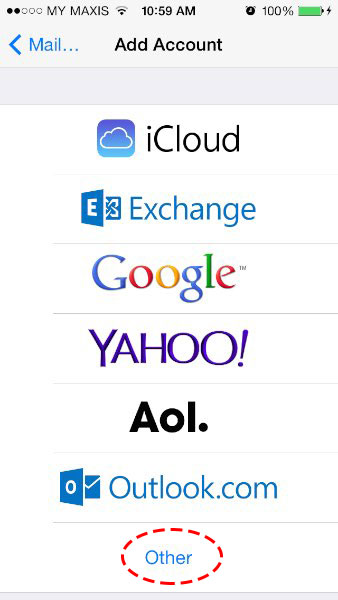
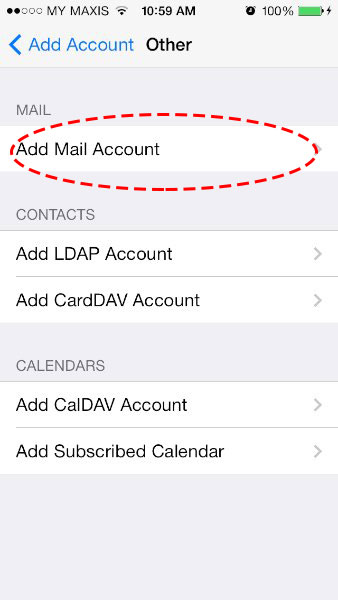
- Add Mail Account
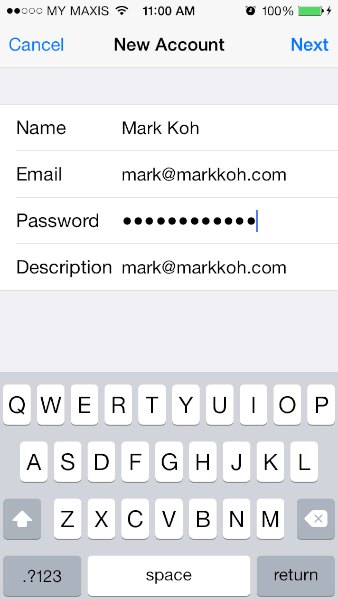
- Enter your Name, Email, Password and Description (Descriptive name of your email account, e.g. My Email)
- Choose IMAP — the best way to read your email.
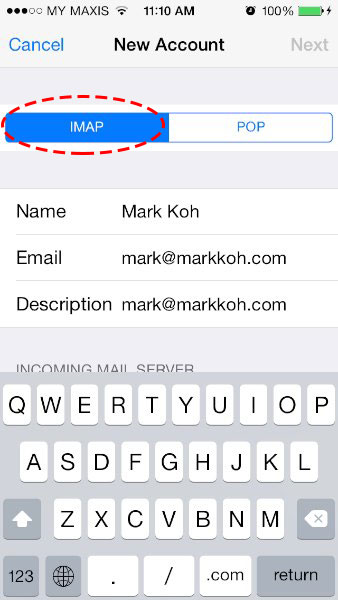
- Host Name is mail.example.com. User Name is your email address. Once filled, click Next on the top right.
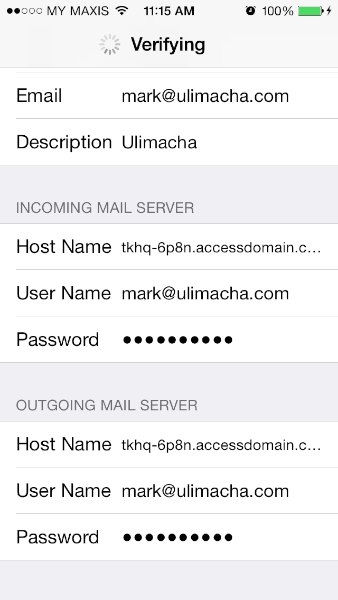
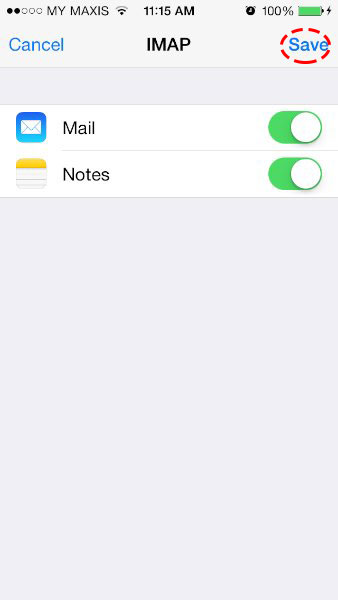
- Save
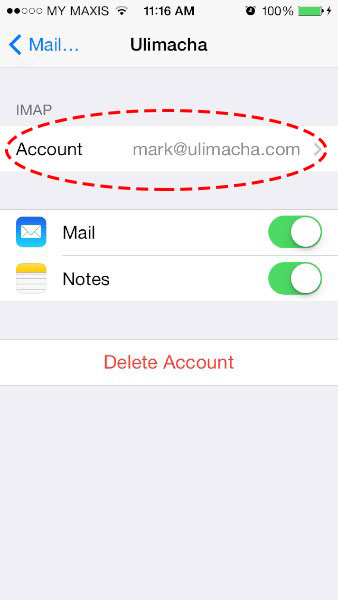
- Click on your Account that you’ve just set up.
- Advanced
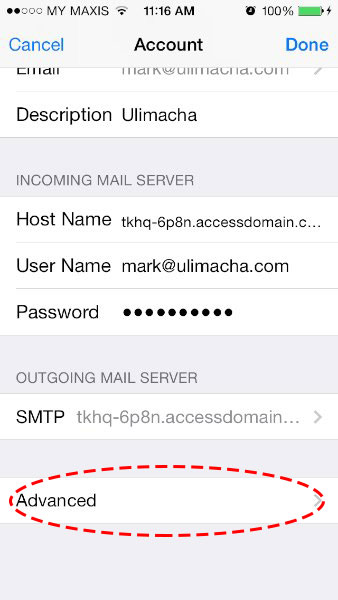
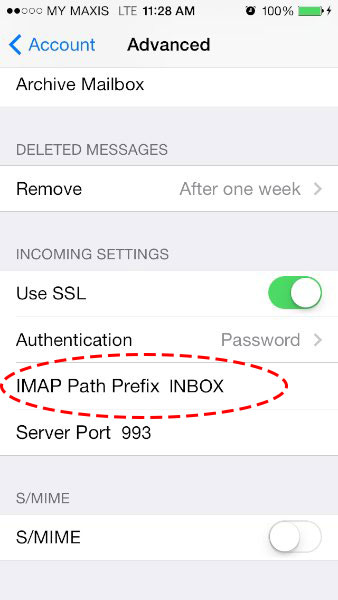
- Type INBOX (without quotes) in IMAP Path Prefix